

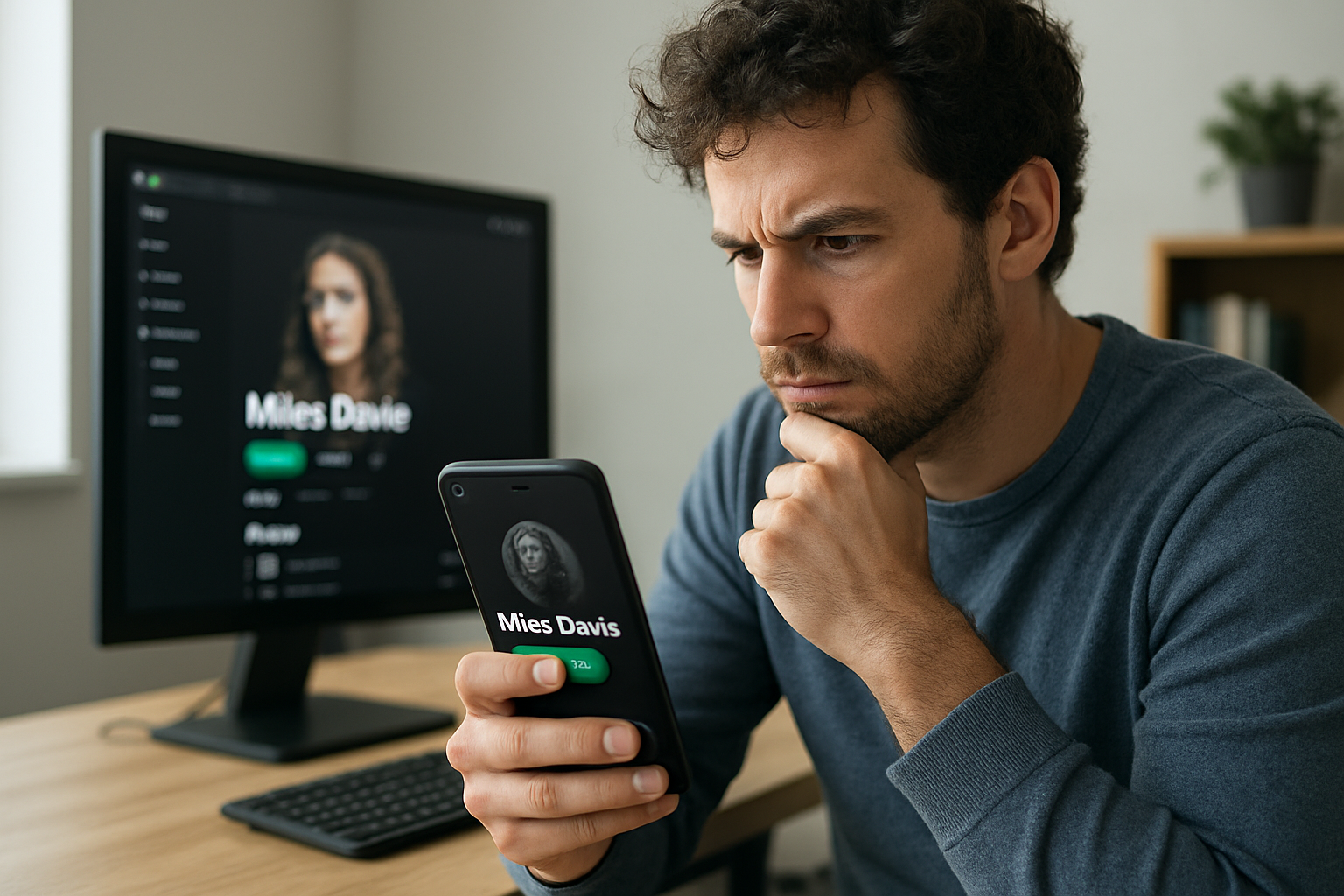
Artist-profile mix-ups are common on streaming services, and the fix usually starts with the distributor, not a takedown.
A new release landing on the wrong Spotify artist page can look like a disaster. In most cases, it is not a rights grab or a catalog theft. It is a metadata problem — a release mapped to the wrong artist identity.
That matters because the mistake can send a single to another musician’s profile, split an artist’s own catalog across multiple pages, or leave listeners staring at the wrong discography. The issue shows up on Spotify, Apple Music and other streaming services, especially when artists share the same or a similar name.
Do not pull the release first
The first instinct is usually to take the track down and upload it again. That is the wrong move unless the distributor tells you to do it.
A bad artist mapping does not automatically mean the release itself is broken. The audio can be correct. The ISRC can be correct. The metadata can be correct. The problem may sit at the streaming-service level, where the release was attached to the wrong artist profile.
Deleting and re-uploading can create duplicate releases, fresh store links, processing delays, multiple versions of the same track and confusion for listeners. Fix the mapping before you touch the release.
Why the wrong profile happens
The simplest example is two artists with the same name. One may be an electronic producer in Italy. Another may be an indie band in Canada. To a listener, they are obviously different. To a platform processing millions of releases, the distinction has to be carried correctly in the data.
Streaming services rely on internal identifiers behind the artist name that fans see. When those identifiers are not attached properly, the system can connect a release to an existing artist with the same or a similar name. The more common the name, the more likely the problem.
Choosing a unique artist name still helps. Before launching a new project, search the name on Spotify, Apple Music, YouTube, Google, Instagram and TikTok. If the name is already in heavy use, the odds of a mapping headache go up. That does not mean two artists cannot share a name. It means the identity has to be handled carefully from the start.
How to report the mismatch
There are two main paths: Spotify for Artists and the distributor.
Spotify has a process for releases that have been mixed up between artists. That applies when your music appears on someone else’s profile, another artist’s music appears on yours, or your catalog has been split between multiple Spotify artist pages. If you have access to Spotify for Artists, report the mismatch directly and include links to the affected release and both artist profiles.
Keep the message simple. List the incorrect artist page, the correct artist page, the affected release and the artist name. A clear report is easier to act on than a long complaint.
Your distributor should also be in the loop. Streaming platforms receive release data through distributors, and distributors may be able to correct the artist mapping or submit updated information. If the problem started with the artist identity attached to the delivery, the distributor is part of the fix.
When you contact support, send everything in one message: artist name, release title, UPC if available, correct artist profile link, incorrect artist profile link and the link to the affected release. That saves time on both sides.
How long the fix takes
There is no set clock on a correction like this. Some straightforward mapping issues can be resolved relatively quickly. Others take longer because the correction has to move through content systems before it shows up on the platform.
Repeatedly submitting the same request every few hours does not speed that up. The better move is to make sure the case is clearly documented, then wait for the correction to work through the system.
For artists and teams, the practical lesson is simple: check the name before release, keep the metadata clean, and know where to report a mismatch when Spotify sends your music to the wrong page.