

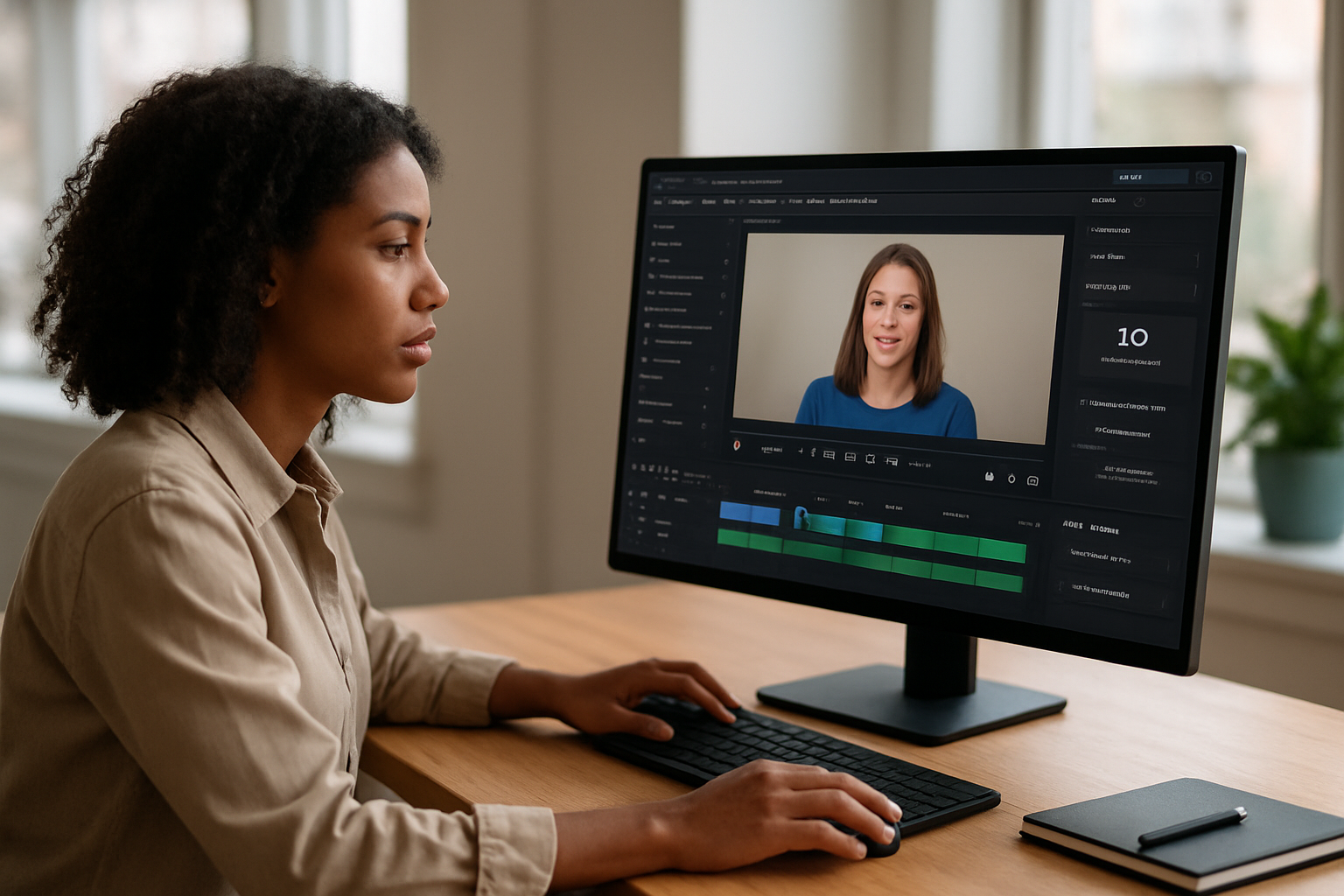
The 2026 version bundles more models and more automation, yet creative teams still have to decide whether the output is ready for campaign use or just a starting point.
InVideo AI is pitching itself as a faster way to get from prompt to finished video, but the real test for creative teams is less about generation and more about what happens after the first draft. The 2026 version leans hard into automation, bundling scripting, footage selection, voiceovers, subtitles, music, and editing into one browser-based workflow. That may be enough for high-volume social and YouTube production. It is not the same thing as controlled campaign work.
One prompt, a full video stack
The platform is built around speed. InVideo says it serves 50 million users across 190 countries, and its pitch is simple: describe the video you want and let the system handle the rest. The workflow starts with a prompt that includes topic, tone, length, platform, and call-to-action. From there, the system parses the request and hands off the work to specialized sub-models for script writing, asset selection, voice synthesis, and video composition.
InVideo says that process can return a complete video in roughly 3 to 20 minutes, depending on length and complexity. The platform also draws from 16 million stock assets and accepts prompts in more than 50 languages. For teams trying to keep up with constant content demand, that kind of throughput matters.
The 2026 release also folds in frontier models under one subscription, including OpenAI’s Sora 2 and Google’s VEO 3.1. The company says its v4.0 release expands the system further with Agent One, which keeps project context across revisions; Advertising Studio, which generates product ads from a single photo; and VFX House, which includes relighting, prop swapping, and AI color tools.
Where the workflow starts to fray
The promise of automation runs into the same problem most creative teams already know: the first version is rarely the final version. InVideo gives users tools to replace scenes, adjust timing, and edit through prompts, but precise changes often require manual work or a full regeneration. That is a different workflow from traditional editing, where approved material stays approved and revisions stay contained.
That matters when brand guidelines are tight. AI-generated scripts can be generic, and the platform’s stock footage still needs human review. Specialized B-roll, brand voice, and campaign-specific direction often have to be rewritten or swapped out. The tool can get a team moving quickly. It does not eliminate the need for judgment.
For professionals managing client work, that distinction is the whole story. A platform that can generate a passable video in minutes is useful. A platform that forces extra cleanup after every revision can turn speed into another form of labor.
Credits, costs and the real price of experimentation
InVideo’s credit system is another pressure point. Credits do not roll over, and failed generations still consume them. If a team is producing multiple formats, testing variations, or rebuilding a video after a weak first pass, the real cost rises fast. The free tier is limited to a small number of AI minutes per week, with four watermarked exports and no commercial usage rights. It also excludes voice cloning, premium iStock assets, and more than 10GB of storage.
That makes the free plan useful for evaluation, not production. Account setup takes about two minutes through email or Google sign-in, but the platform’s own setup notes say users need to enable beta features in Settings to unlock Agent One, Advertising Studio, VFX House, and the Sora 2/VEO 3.1 model selection.
For e-commerce teams, Advertising Studio is aimed at turning product photos into ad sets, 360-degree videos, and hero reels. The “Money Shot” feature is designed to preserve packaging and logo text, though results depend on image quality and product complexity. When the work needs tighter continuity and export formats that fit post-production pipelines, the source points to Ray 3.2 as a more controlled option.
InVideo AI is strongest when the assignment is volume, not precision. It can move fast. The question for experienced teams is whether fast is enough once the campaign leaves the drafting stage.
What creative teams should watch
For producers, marketers, and content leads, the platform’s value is clear: it combines multiple AI tools in one place and removes a lot of setup time. The tradeoff is equally clear. The more exact the brief, the more likely the team will still need human editing to keep the work on brand and production-ready.
That is the line InVideo AI has not crossed yet. It can generate. It can assemble. It can accelerate. It still cannot replace the person who knows when a video is finished.